BoxBrownie vs AI Virtual Staging: Which Is Right for Your Real Estate Business?
Article Summary
This comprehensive comparison analyzes BoxBrownie's traditional manual editing service versus modern AI virtual staging platforms like Stager Go. Key findings: BoxBrownie charges $30 per image with 48-hour turnaround, while AI platforms cost $0.05-0.10 per image with 30-90 second turnaround. For a typical 3-bedroom listing (8-10 images), BoxBrownie costs $240-360 versus $1-2 with AI staging. Annual costs for agents staging 2 listings per month: BoxBrownie $5,760-7,200 versus AI $24-48, representing 99%+ cost savings.
BoxBrownie strengths: Human designers, familiar outsourcing model, custom Photoshop work, no learning curve. AI staging strengths: Instant turnaround, unlimited style variations without additional cost, template libraries for repeatable workflows, integrated enhancement and item removal.
Bottom line: BoxBrownie makes sense for occasional staging (1-2 properties/month) with full outsourcing preference. AI virtual staging is optimal for 3+ properties/month, requiring fast turnaround, cost efficiency, and workflow control. Quality is comparable between both approaches for standard real estate staging. Decision framework, cost analysis, and migration strategies included.
If you're researching BoxBrownie versus AI virtual staging platforms like Stager Go, you've already moved past the basics. You understand virtual staging works—now you're asking: Should I pay per image to a manual editing service, or invest in an AI workspace where I control the staging process myself?
This guide breaks down that decision with data, not marketing speak.
Quick Decision Framework
Choose BoxBrownie if:
- You stage 1-2 properties per month and prefer complete outsourcing
- You're comfortable with 48-hour turnaround times
- You don't mind $240-$360+ per listing for staging alone
- You rarely need revisions or style variations
Choose AI Virtual Staging (Stager Go) if:
- You handle multiple listings monthly and need repeatable workflows
- You require instant turnaround (minutes, not days)
- You want to test multiple styles without paying per variation
- You care about cost efficiency at scale ($1-2 per full listing vs $240-360)
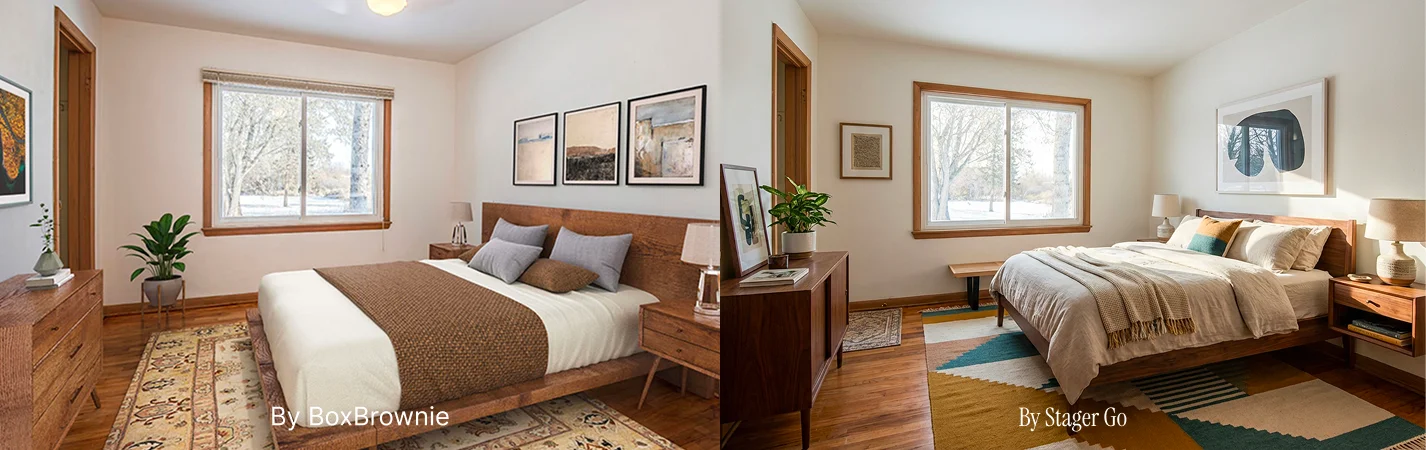
1. Business Model Comparison
BoxBrownie: Traditional Editing Service
BoxBrownie operates as a human-powered editing company. You submit photos, their design team stages them manually, and you receive finished files in ~48 hours.
Core Model:
- Pay per deliverable ($30 per virtually staged image)
- No subscription required
- Human editors using Photoshop and design software
- Ticket-based workflow (submit job → wait → receive → revise if needed)
What They Do Well:
- Predictable outsourcing model (familiar to agents used to delegating)
- Multiple service offerings (staging, enhancement, twilight, floor plans)
- Established brand with portfolio examples
Where the Model Struggles:
- Fixed per-image costs add up quickly across listings
- Revision cycles require new tickets and waiting periods
- No ability to iterate quickly or test variations
- Every new listing restarts the entire process
Stager Go: AI Workspace Model
Stager Go provides an AI-powered staging workspace where you generate results in real-time using templates and presets.
Core Model:
- Usage-based credits ($0.05-0.10 per image with templates)
- Template Composer for repeatable setups
- Instant generation (minutes, not days)
- Full control over styles, room types, and iterations
What This Enables:
- Test multiple styles on the same room without additional fees
- Build reusable template library for your market
- Stage entire listings in one session
- Immediate revisions and variations
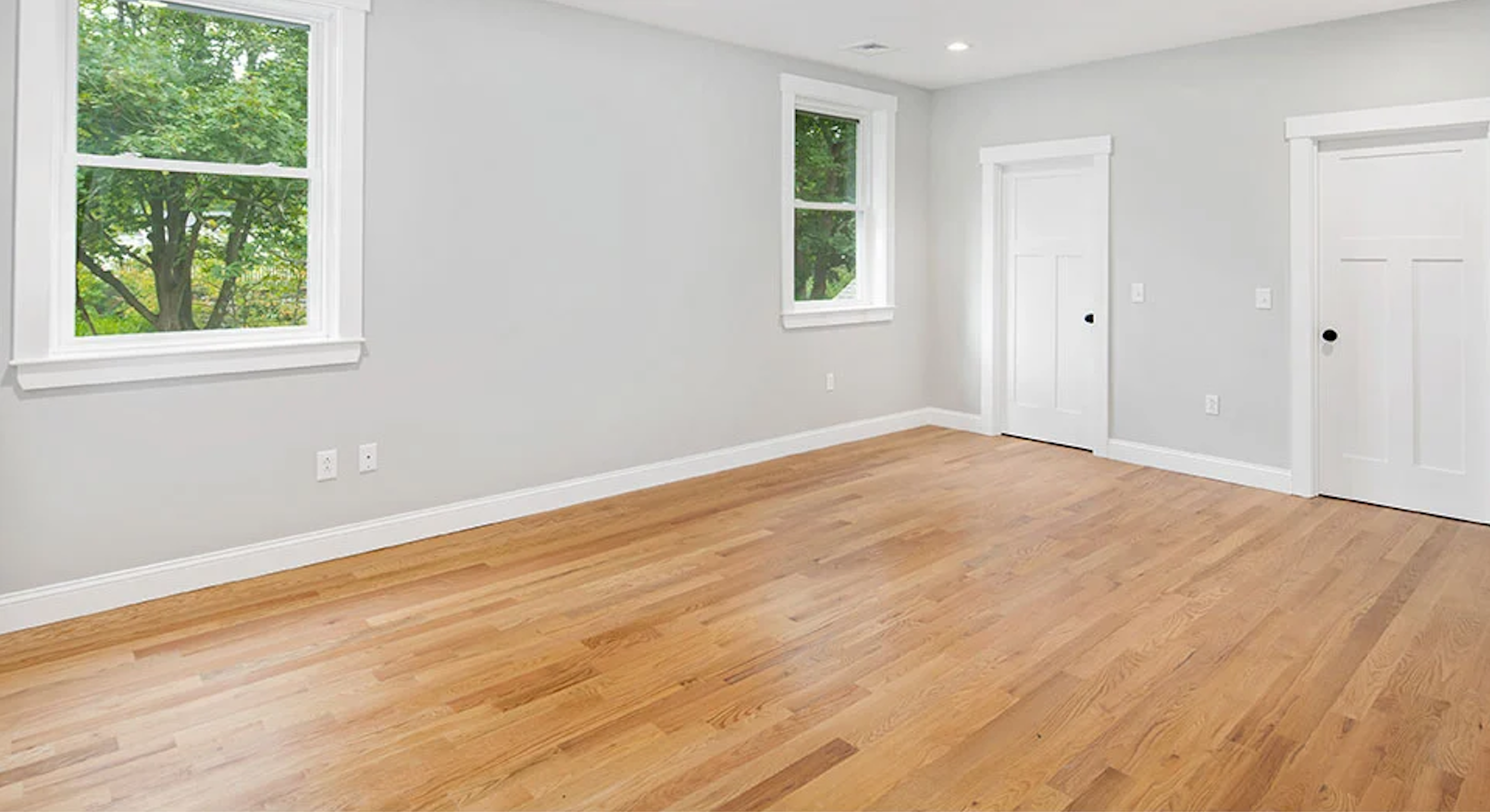
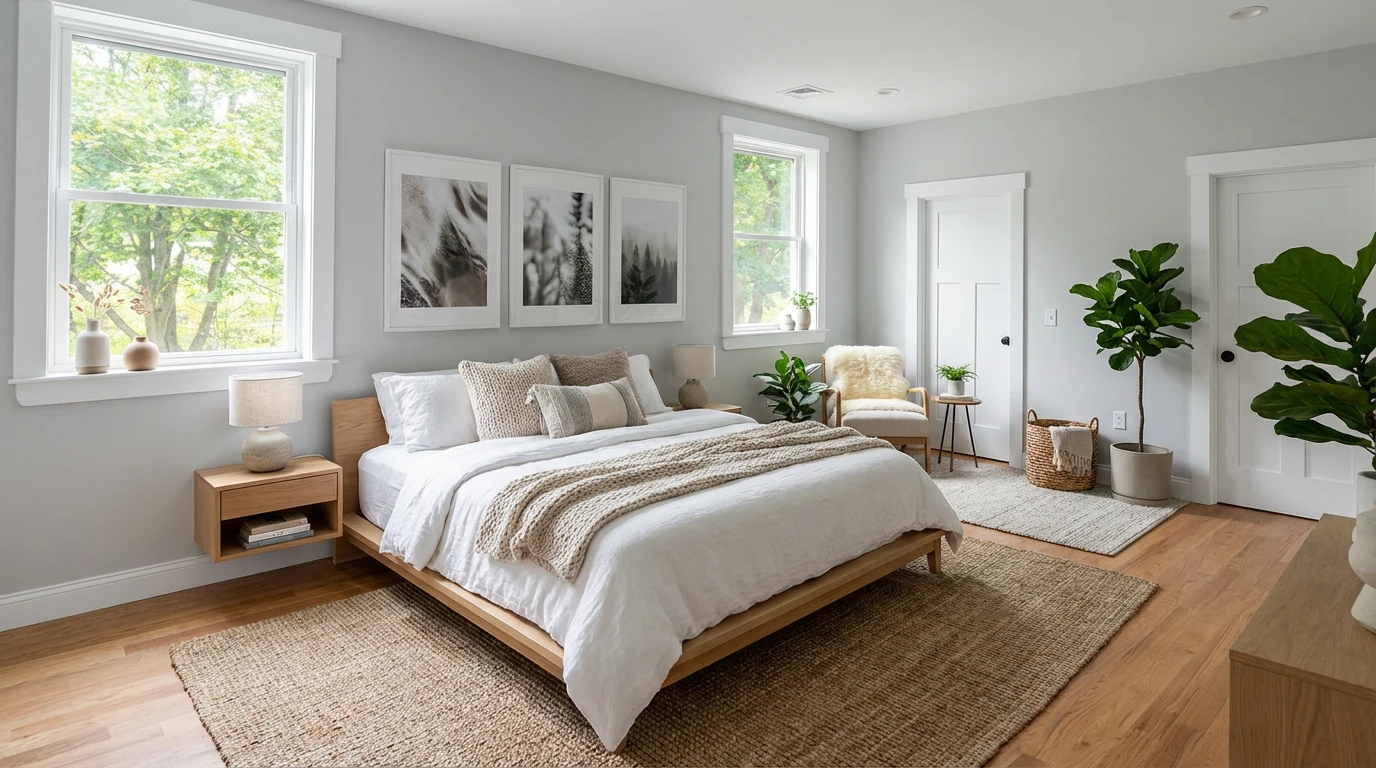
Virtual Staging • Scandinavian • Bedroom
2. Cost Analysis: Real Numbers
Per-Image Pricing
| Service | Virtual Staging Cost | Typical 3BR Listing (8-10 images) | Annual Cost (2 listings/month) |
|---|---|---|---|
| BoxBrownie | $30/image | $240-300 | $5,760-7,200 |
| Stager Go (AI) | $0.05-0.10/image with templates | $1-2 | $24-48 |
Hidden Costs with Per-Image Pricing
BoxBrownie's $30/image sounds straightforward until you factor in:
Style Testing:
- Want to see living room in both Modern and Scandinavian? That's 2 images = $60
- Need to compare 3 bedroom staging options? 3 images = $90
- Total for testing across one listing: Easily $150-300 in "exploration" costs
Revisions:
- While BoxBrownie advertises "unlimited revisions," each change requires:
- Creating new support ticket
- Waiting another 24-48 hours
- Reviewing and potentially iterating again
- Real cost = your time + opportunity cost of delayed listings
Add-On Services:
- Image enhancement: Separate fee per image
- Item removal: Separate fee per image
- Day-to-dusk: Separate fee per image
- A fully edited listing can easily reach $500-800
AI Virtual Staging Economics
With Stager Go's template-based approach:
One Listing Workflow:
1.Upload 8 empty room photos → $0
 2.Generate with built-in templates for 5 rooms (living room: Modern, bedrooms: Scandinavian, etc.) → ~$1
 3.Generate variations to test (3-4 different looks) → ~$1-2
 4.Enhancement and item removal (built into same workspace) → $1
 5.Total cost: $3-4 for fully staged listing with 5 rooms
Volume Efficiency:
- First listing: Build templates ($2-3 including experiments)
- Every subsequent listing: Reuse templates ($1-2 per listing)
- 24 listings/year: $24-48 total vs $5,760-7,200 with BoxBrownie
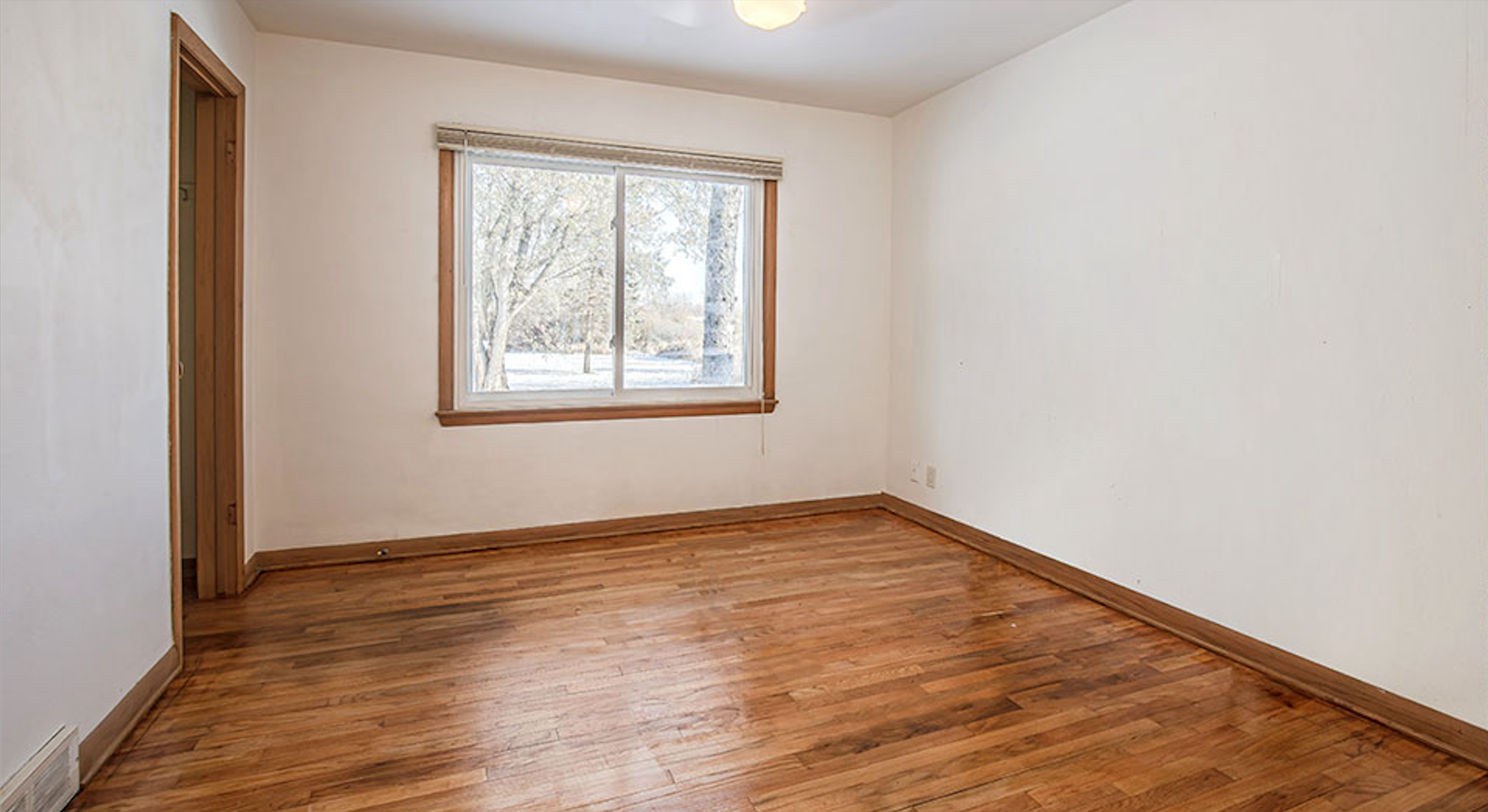
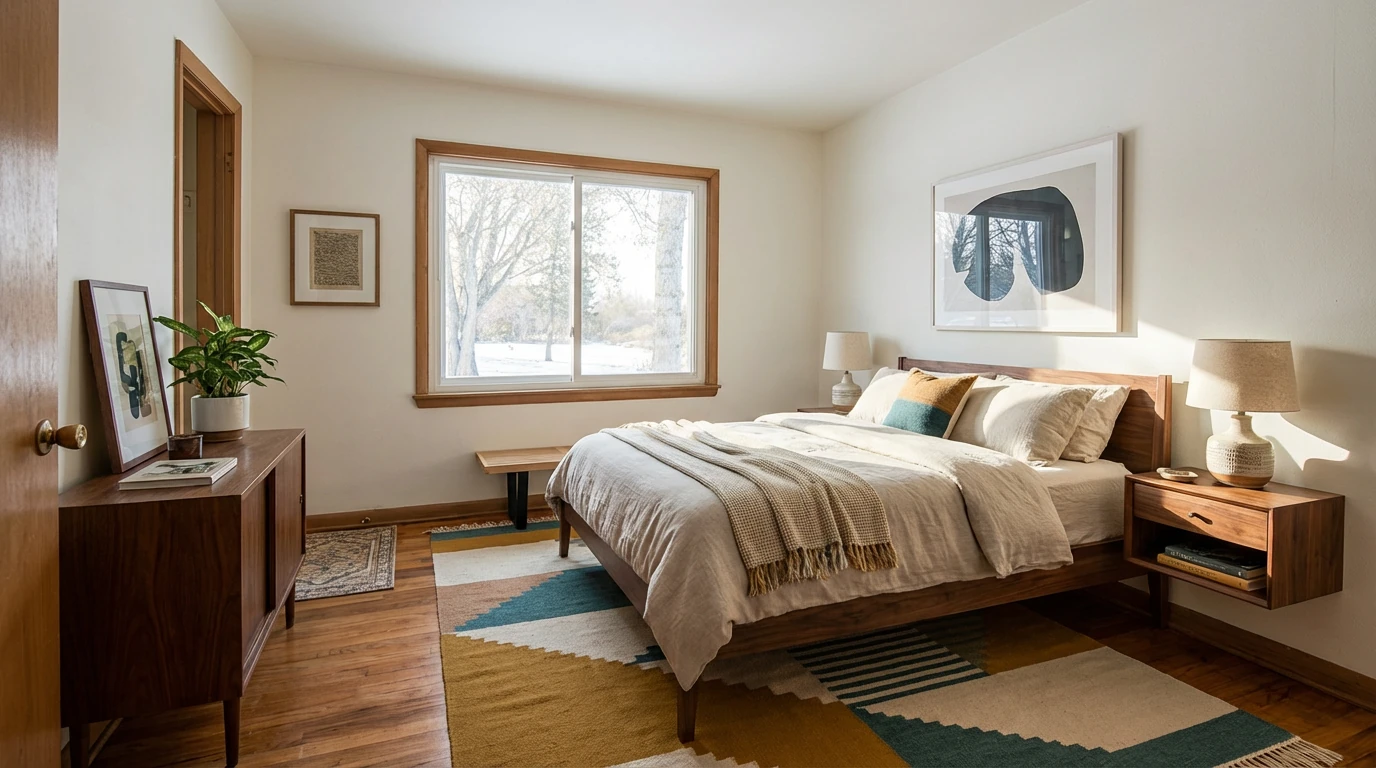
Virtual Staging • Mid-Century Modern • Bedroom
3. Speed and Turnaround: When Minutes Matter
BoxBrownie Turnaround
Standard Workflow:
- Upload photos and specify staging requirements
- Wait 48 hours for initial delivery
- Review results
- If changes needed: Submit revision request → wait another 24-48 hours
- Total time for finalized images: 2-5 days
Impact on Your Business:
- Can't stage property Friday afternoon for weekend open house
- Difficult to make last-minute adjustments before listing goes live
- Multiple revisions can extend timeline to a week or more
Stager Go AI Turnaround
Standard Workflow:
- Upload empty room photos
- Select room type and style from Template Composer
- Generate staged images: 30-90 seconds
- If adjustments needed: Change template settings → regenerate → 30-90 seconds
- Total time for finalized images: 5-15 minutes
Impact on Your Business:
- Stage property same day as photography
- Test multiple styles while photographer is still on-site
- Make changes based on broker feedback in real-time
- Rush listings to market within hours, not days
Real-World Scenario:
Friday 4 PM: Photographer sends empty condo photos. Listing must go live Monday morning for maximum weekend traffic.
-
BoxBrownie path: Submit to editing service Friday. Receive staged photos Monday afternoon at best. Miss weekend traffic window.
-
Stager Go path: Open workspace Friday at 4 PM. Upload photos, apply templates, generate variations. Send staged listing photos to team by 4:30 PM. Listing live Friday evening with full weekend visibility.
4. Quality and Realism: What Actually Matters
BoxBrownie Quality Approach
Strengths:
- Human designers manually place each furniture piece
- Attention to shadows, reflections, and scale
- QA review before delivery
- Ability to match specific design requests via text instructions
Limitations:
- Quality varies by individual editor assigned to your job
- No way to preview before committing to order
- Style catalog is fixed (can't easily blend or customize)
- Manual process limits iteration speed
Stager Go AI Quality Approach
Strengths:
- AI models trained specifically on real estate staging (not generic image generation)
- Consistent output quality using proven templates
- Instant preview and comparison (before/after, multiple styles side-by-side)
- Modes designed to preserve room structure for MLS compliance
Quality Safeguards:
- Virtual staging keeps walls, floors, windows, and architectural features unchanged
- Furniture placement follows proper scale and spatial reasoning
- Multiple rendering passes for photorealism
- Enhancement tools to improve photo quality before staging
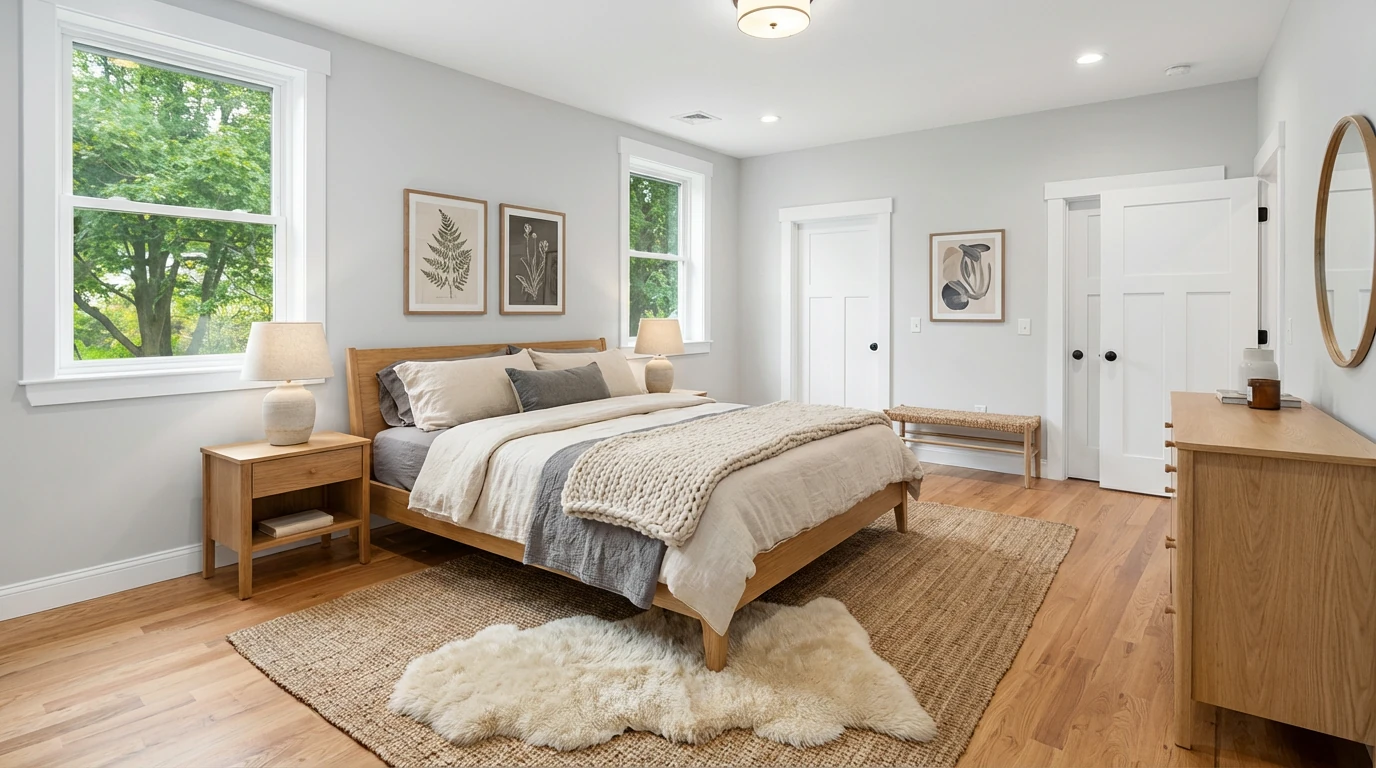
Virtual Staging • Scandinavian • Bedroom
MLS Safety Comparison
Both services produce MLS-compliant images when used correctly, but approach differs:
| Aspect | BoxBrownie | Stager Go |
|---|---|---|
| Structural preservation | Relies on editor following guidelines | AI modes enforce wall/floor preservation |
| Disclosure | User responsible for marking as virtual | User responsible for marking as virtual |
| Scale accuracy | Editor judgment | AI calculates room dimensions |
| Style consistency | Varies by editor | Template ensures consistency |
5. Workflow: Tickets vs Templates
BoxBrownie Ticket System
How It Works:
- Create account and purchase credits or order à la carte
- Upload photos and fill out service form (room type, style preferences, special instructions)
- Submit job to queue
- Receive email when job is completed
- Download results or request revisions
Pros:
- Familiar outsourcing model
- No learning curve
- Complete hands-off approach
Cons:
- Each property is a separate one-off project
- No memory or templates from previous jobs
- Can't A/B test styles without paying double
- Revisions require new tickets and wait times
Stager Go Template Composer
How It Works:
- Open workspace (no queue or ticket system)
- Upload photos to canvas
- Select room type (living room, bedroom, etc.) and style preset (Modern, Scandinavian, Cozy, Luxury, etc.) from Template Composer
- Click generate → results in 30-90 seconds
- If not satisfied: Adjust template settings → regenerate immediately
- Save successful template combinations for future listings
Pros:
- Build reusable library of "winning" staging setups for your market
- Test multiple approaches without additional cost
- Instant iteration and refinement
- Full control over timing and output
Learning Curve:
- 10-15 minutes to understand Template Composer interface
- After 2-3 listings, most users have established go-to templates
6. Feature Comparison Table
| Feature | BoxBrownie | Stager Go AI |
|---|---|---|
| Pricing | $30/image | $0.05-0.10/image |
| Turnaround | 48 hours standard | 30-90 seconds |
| Style variations | Each variation = new $30 charge | $0.05-0.10/image |
| Revisions | Submit ticket, wait 24-48 hours | Instant regeneration |
| Image enhancement | Separate service, additional fee | Included in same workspace |
| Item removal | Separate service, additional fee | Included in same workspace |
| Day-to-dusk | Separate service, additional fee | Included in same workspace |
| Template library | No templates (start from scratch each time) | Save and reuse successful setups |
| Quality control | Human QA before delivery | Instant preview, regenerate if needed |
| Learning curve | None (full outsourcing) | 10-15 minutes |
| Cost per full listing | $240-360+ | $1-2 |
7. When BoxBrownie Still Makes Sense
BoxBrownie can be the right choice if:
Low Volume Staging
- You stage 1-2 properties per month maximum
- Virtual staging is occasional, not a core part of your marketing
Complete Outsourcing Preference
- You strongly prefer "set it and forget it" workflows
- You don't want to learn any new tools
- You're comfortable with 48-hour turnaround
Complex Custom Work
- You need heavily customized Photoshop work beyond standard virtual staging
- Your requests involve architectural changes or complex compositing
- You require specific furniture pieces that only human editors can source and place
Budget Isn't Primary Concern
- $30/image fits comfortably within your marketing budget
- You don't anticipate needing style variations or frequent revisions
- Time cost of waiting 2-5 days doesn't impact your listing strategy
8. When Stager Go AI Virtual Staging Dominates
Stager Go becomes the clear winner when:
Volume and Scale Matter
- You stage 3+ properties per month
- Multiple listings active simultaneously
- Need to stage full 8-12 image sets per listing
Speed Is Competitive Advantage
- Fast-moving market where days matter
- Need to test and iterate quickly
- Last-minute staging requests are common
Cost Efficiency Required
- Staging budget under pressure
- Want to test multiple styles without paying per variation
- Need predictable monthly costs
Control and Flexibility Valued
- You want to own your staging workflow
- Testing different approaches is part of your strategy
- Building systems and templates provides long-term value
Multiple Services Needed
- Virtual staging + image enhancement + item removal + day-to-dusk
- Bundling services in one workspace saves time and money
- Consistent quality across all editing types
9. Real Agent Scenarios
Scenario A: High-Volume Agent (8-10 listings/month)
BoxBrownie Route:
- 10 properties × 8 images × $30 = $2,400/month
- Additional enhancement/item removal: +$800/month
- Total: $3,200/month = $38,400/year
Stager Go Route:
- 10 properties × $2/listing (with templates) = $20/month
- Enhancement and item removal included
- Total: $20/month = $240/year
Savings: $38,160/year
Scenario B: Team Brokerage (4 agents, 5 listings each/month)
BoxBrownie Route:
- 20 properties × 8 images × $30 = $4,800/month
- Total: $57,600/year
Stager Go Route:
- Shared template library across team
- 20 properties × $2/listing = $40/month
- Total: $480/year
Savings: $57,120/year
Scenario C: Occasional Stager (2 listings/month)
BoxBrownie Route:
- 2 properties × 8 images × $30 = $480/month
- Total: $5,760/year
Stager Go Route:
- 2 properties × $2/listing = $4/month
- Total: $48/year
Savings: $5,712/year
Even at low volumes, the cost difference is significant.
FAQ
Is AI virtual staging as good quality as human editors?
Modern AI staging (like Stager Go) produces photorealistic results comparable to manual editing. The difference is speed and iteration capability. BoxBrownie's human touch can handle ultra-custom requests, but for 95% of standard staging work, AI quality matches or exceeds manual editing.
What if I don't like the AI results?
With Stager Go, you regenerate instantly, or the smarter move is to use the image editing tool to make small changes if the output is 90% there. Try different style presets, adjust room type settings, or modify the template. With BoxBrownie, you submit a revision ticket and wait another 24-48 hours. AI actually gives you more control and faster iterations.
Can AI handle unique room shapes or challenging photos?
Yes. Stager Go's AI models are trained on thousands of real estate photos including odd angles, small rooms, and challenging lighting. If a photo is truly problematic, you'll know within 90 seconds and can try enhancement first or use custom requirements to specify your desired look. With BoxBrownie, you won't know until 48 hours later.
Do I need design experience to use AI staging?
No. Stager Go's Template Composer eliminates the need for design knowledge. You select room type and style from presets (Modern, Scandinavian, Luxury, etc.) rather than describing in words or making design decisions. It's actually easier than writing detailed instructions for BoxBrownie editors.
What about MLS compliance and disclosure?
Both methods produce virtually staged images that require disclosure. Stager Go includes tools to watermark images and both services note that you must clearly mark photos as "virtually staged" per MLS rules. The compliance responsibility is the same regardless of method.
Can I still use BoxBrownie for some things and AI for others?
Absolutely. Some agents use Stager Go for 90% of standard staging (speed and cost) and reserve BoxBrownie for edge cases requiring heavy custom Photoshop work. This hybrid approach can make sense during transition.
Related Resources
- BoxBrownie Pricing, Speed & Examples – See real before-and-after examples side by side
- BoxBrownie Alternatives – 7 best virtual staging tools to switch to
- BoxBrownie vs Apply Design – Human editors vs AI, compared
- Best Virtual Staging Companies – How the leading providers compare
- Virtual Home Staging Complete Guide – Cost, examples, and AI vs traditional
- Virtual Staging Cost Guide – Full pricing breakdown