Best Free Virtual Staging Apps in 2026: True Free Tools, Trials, and AI Options
Quick answer: The best truly free virtual staging app for real estate is Stager Go — it turns empty-room listing photos into MLS-ready, watermark-free staged images in under two minutes using free credits, with no credit card required. General AI tools like ChatGPT and Nano Banana are useful free helpers for inspiration and photo enhancement, but they aren't purpose-built for MLS-safe staging and often add watermarks on free downloads.
If you’re searching for “virtual staging free” or “best free virtual staging app,” you’re not looking for another theory article. You want to try virtual staging right now without pulling out a credit card, signing long contracts, or ending up with watermarked images you can’t actually use.
In 2026, most "free" tools fall into one of two buckets:
- Limited free tiers or credits that are actually usable for a real listing.
- "Free" demos that add heavy watermarks, lock exports, or hide the good features behind paywalls.
New to this? For a full overview of virtual home staging — how it works, what it costs, and AI vs traditional staging — start with our complete guide. This article focuses specifically on the free options.
This guide focuses on four practical options you can try today:
- ChatGPT – a flexible general-purpose AI with image generation.
- Nano Banana – an image model that can do virtual staging via prompts.
- Stager Go – a dedicated AI virtual staging workspace with templates and free credits.
- Banana Designer – a more open-ended image generator that pairs well with staging workflows.
We’ll cover what’s free, what each tool is good at, and where each one struggles for real estate-ready, MLS-safe virtual staging.
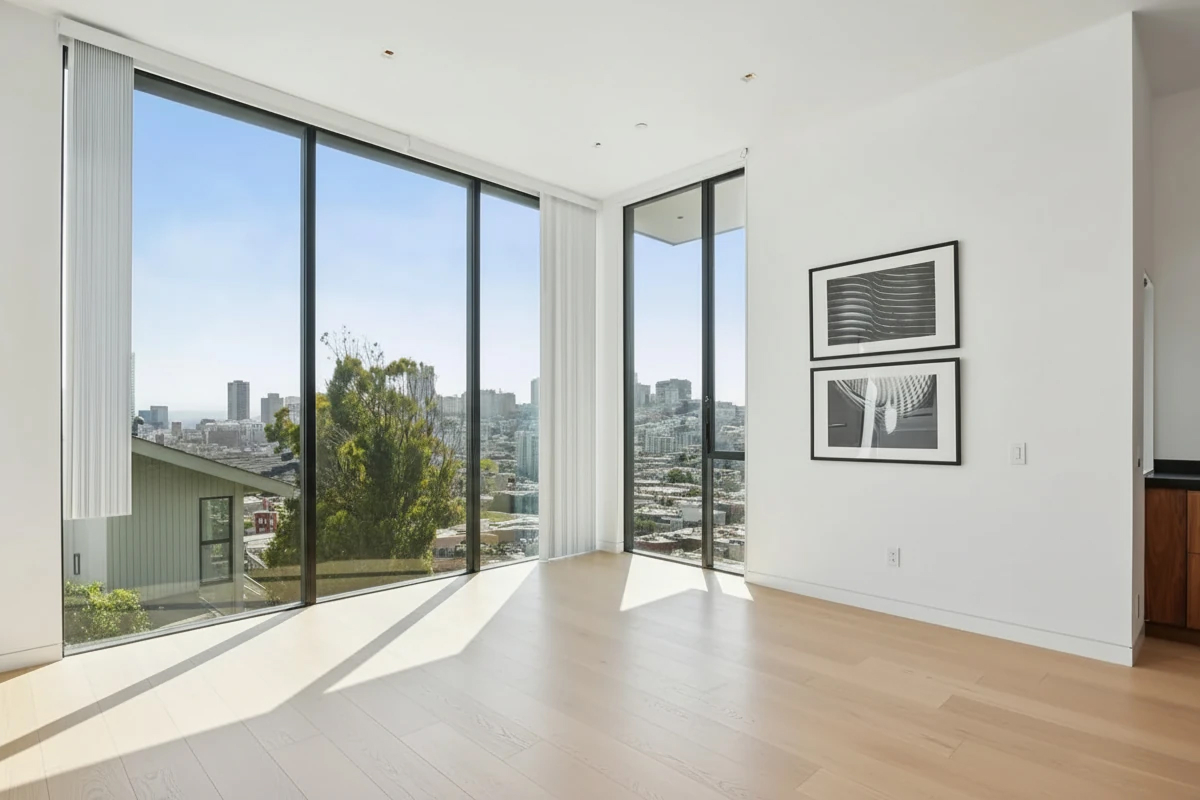
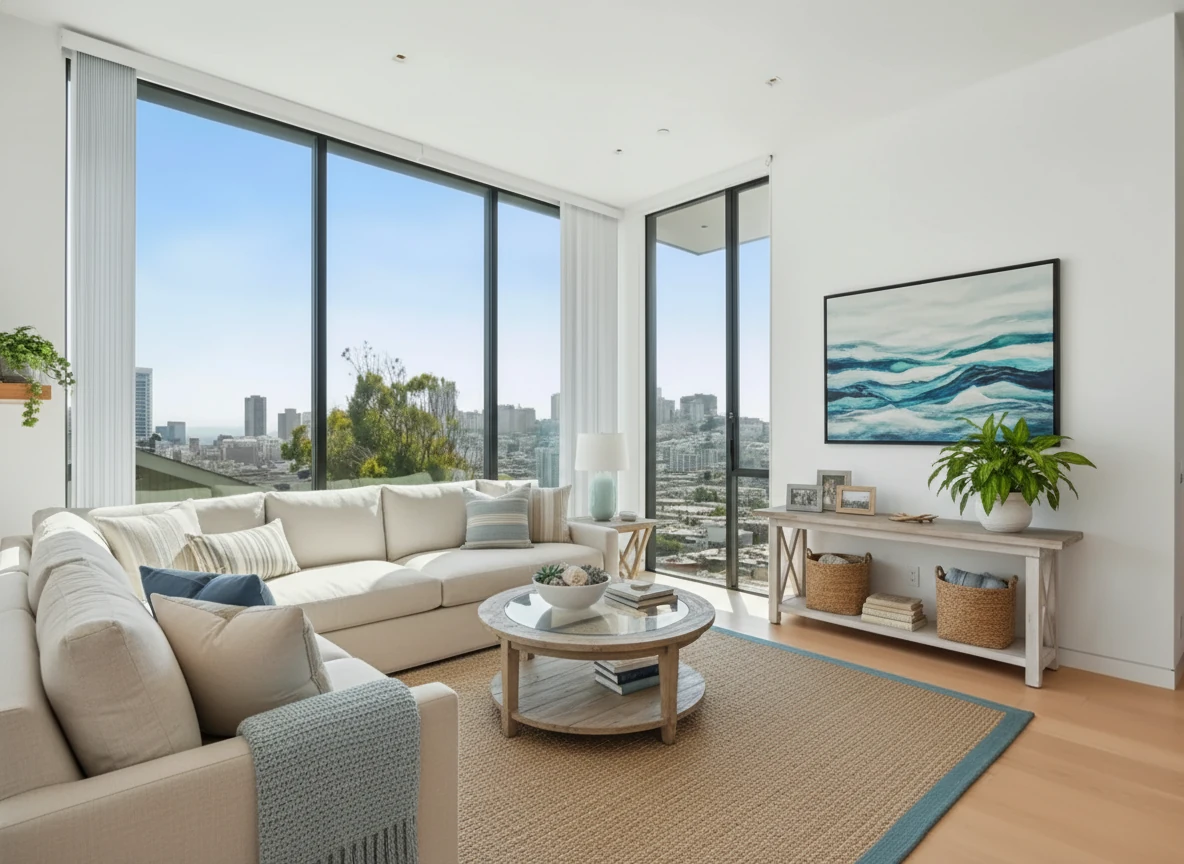
Virtual Staging • Coastal • Living Room
What Makes a “Good” Free Virtual Staging App?
Before we compare tools, it helps to be clear on what actually matters when you’re staging listings:
- Realism – Does the output look like a believable real estate photo, or an obvious AI render?
- Control – Can you keep the room structure intact (walls, windows, flooring) so the result is MLS-safe?
- Speed – How quickly can you get from upload/prompt to a usable photo?
- Reusability – Can you repeat a look across multiple rooms and listings without rebuilding everything from scratch?
- Testing with out a paid plan – Can you get real examples tested without committing to a paid plan?
With that in mind, let’s look at what each of the four tools does well – and where they fall short – when you use them for virtual staging.
1. ChatGPT
What ChatGPT Can Do for Virtual Staging
ChatGPT includes an image generation model that can:
- Generate interiors from scratch based on a text description.
- Adjust lighting and white balance of a photo without changing the room structure.
- Iterate quickly on style ideas and concepts.
This makes it great for image enhancement – especially if you want to fix lighting or color issues in your photos. With a prompt example like the one below, you will get a photo with professional lighting and white balance.


Recreate this photo with realistic daylight exposure and tonal balance suitable for professional real estate photography. Simulate natural sunlight coming from the window, filling the room evenly with soft ambient light. Adjust exposure so that the wall tones remains with visible surface texture without glare or flash. Reduce warm color cast from the walls while maintaining a gentle warmth in wooden furniture. Balance highlights and shadows with smooth tonal transitions—no harsh contrast or clipped whites. Ensure reflective surfaces such as the wood cabinet and mirror frame show soft, diffused reflections instead of sharp glare. Preserve fine texture on the sofa fabric and floor. Apply subtle HDR-style tone mapping so both indoor and outdoor areas are visible naturally. The final image should feel bright, neutral, and professionally shot, like an MLS-ready daylight photo
Pros
- Accessible – Many users already have access to ChatGPT, so there’s no new platform to learn.
- Flexible prompts – You can describe very specific looks like the one above.
- Fast iteration – Easy to ask for variations and refinements in plain language.
Cons (Important for Real Listings)
- Single, general-purpose image model – It isn’t specifically tuned for real-estate photos.
- Room structure can change – The model may alter walls, windows, or backgrounds when you ask it to do staging, which can make the result not MLS-ready. (Image enhancement is fine)
- Harder to get consistent results – Recreating the same look across multiple rooms or listings is challenging.
Best for: Image enhancement and inspiration – not as your primary tool for MLS-compliant virtual staging on real properties.
2. Nano Banana and Nano Banana Pro
Nano Banana is an image model that can perform precise image editing tasks – including virtual staging – when you give it the right prompt. You can use it for virtual staging by:
- Uploading a base image (empty or outdated room).
- Writing a detailed prompt describing the desired furniture, layout, and style.
- Iterating until you get a result you like.
Pros
- Strong image quality – Capable of realistic and detailed outputs with well-crafted prompts and get a consistent look on the room structure.
- Flexible use cases – Can handle complex editing, such as removing objects, adding furniture, or adjusting lighting.
- Good for power users – If you enjoy prompt engineering, you can push it quite far.
Cons
- You have to write the prompt – Getting reliable staging results requires effort and prompt experimentation.
- Tricky to reuse prompts – On Gemini, due to the nature of the chat window, reusing prompts might not create the same results due to the complex context of the conversation.
- Watermarks on downloaded images – Free usage often comes with watermarks, which limits how much you can use the outputs in real listings without upgrading.
Best for: Users who are comfortable crafting prompts and want to experiment with staging-like outputs, but are okay with some limitations (including watermarks) on free images.
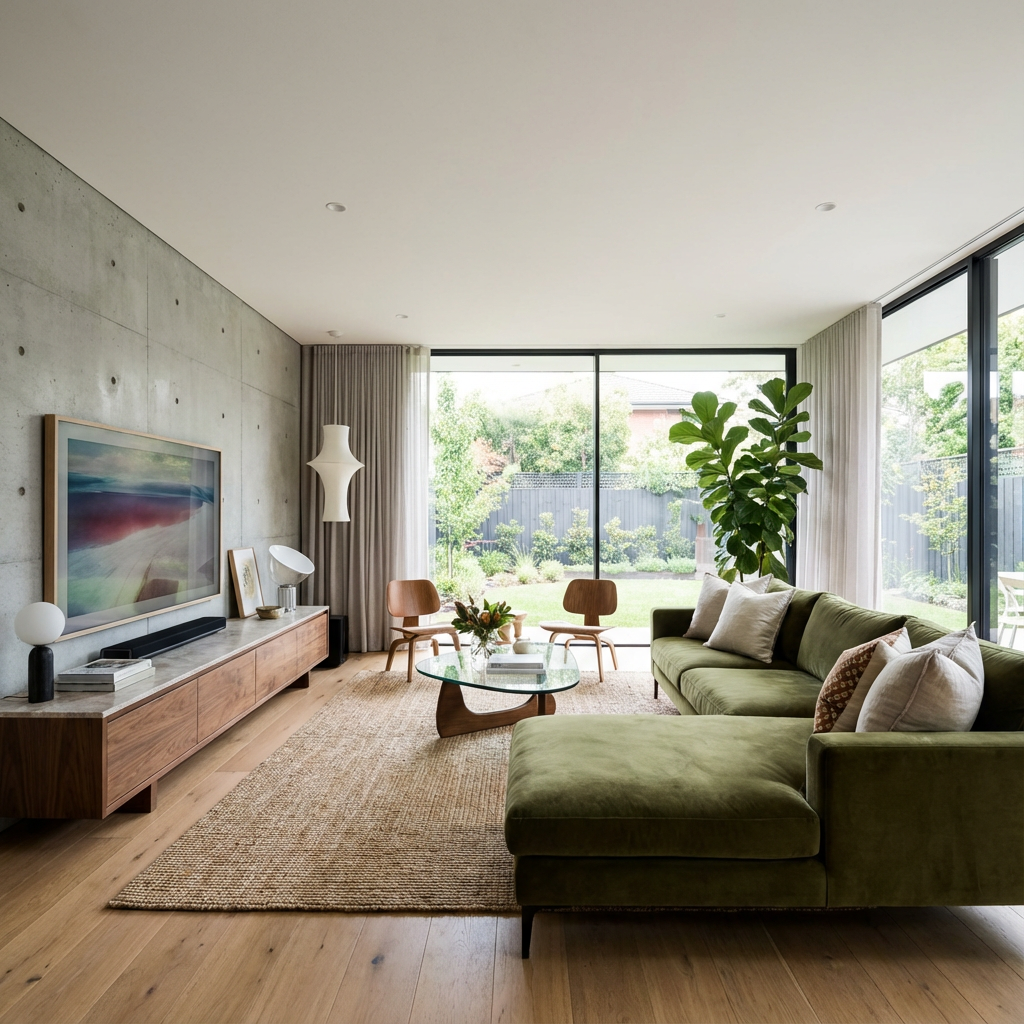
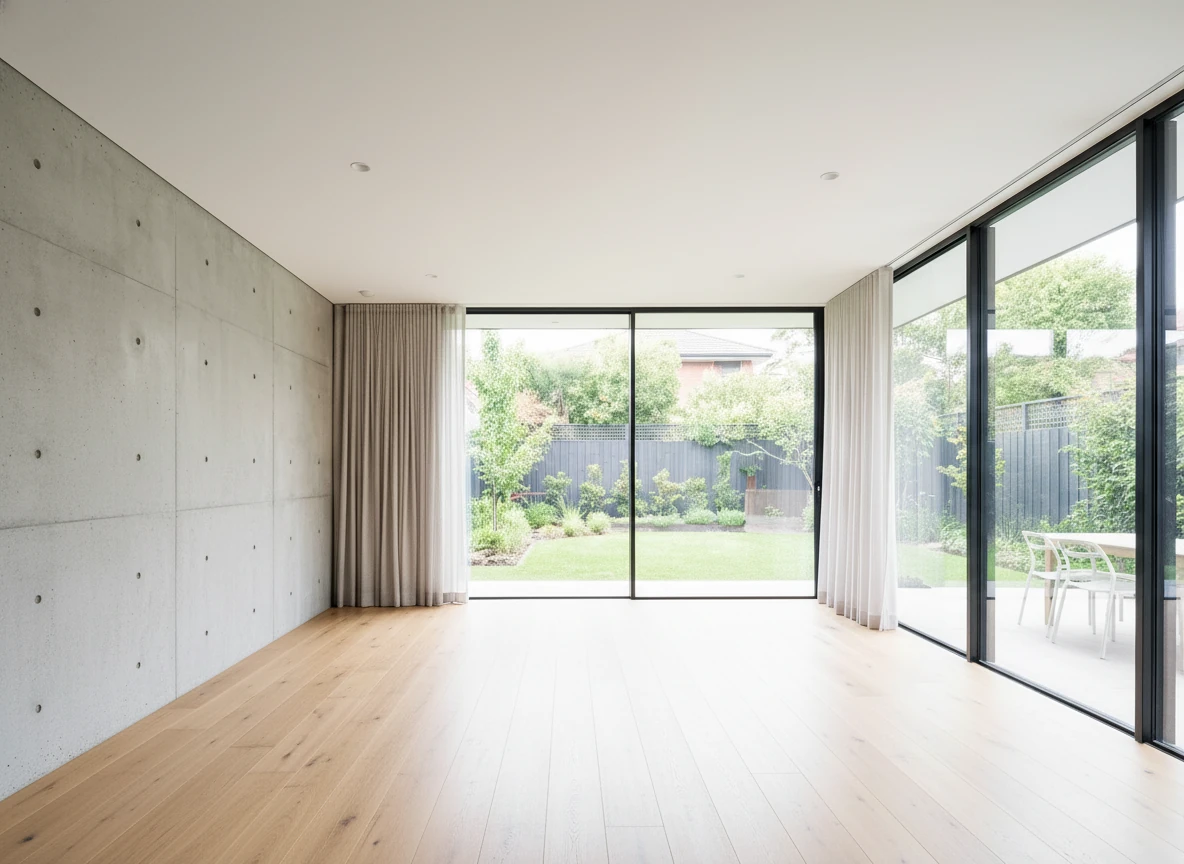
remove all furnitures, and do not change the structure of the room
3. Stager Go
Stager Go is designed specifically for real estate virtual staging, not just general image generation. Instead of starting from a blank prompt box, you work in a template-based workspace built around real listing workflows.
How It Works
- You upload real estate photos (empty or outdated rooms).
- Choose the mode: virtual staging, item removal, photo enhancement, or day-to-dusk.
- Select room type (living room, bedroom, office, etc.) and style (modern, Scandinavian, coastal, luxury, and more).
- Click generate and get ultra-photorealistic staged results in 30 seconds to a couple of minutes.
All of this runs on different AI models under the hood, tuned for each mode, so you don’t have to think about which model to pick.
Pros
- Dedicated templates for virtual staging – You don’t need to write prompts or learn complex 3D tools. A few clicks are enough.
- Mode-specific models – Virtual staging, enhancement, and day-to-dusk each use AI best suited for that job.
- MLS-friendly outputs – Designed to keep room structure intact and focus on furniture, decor, and lighting.
- Reusable setups – Once you find a style and room configuration you like, you can reuse it across rooms and listings.
- Free credits – You can test real, non-watermarked results before committing to paid usage.
Cons
- Less free-form than a raw image model – If you want totally customised looks with exact furnitures, the templates may feel intentionally constrained.
- Requires uploading your own photos – It’s built for real listings, so you’ll get the best value once you have actual property photos.
Best for: Agents, photographers, and homeowners who want real, MLS-ready virtual staging with minimal learning curve and a free way to try it on a real listing.
Virtual Staging • Coastal • Living Room
4. Banana Designer
Banana Designer is a broader AI image generator that’s great for creative work and visual experimentation. You can use it in a virtual staging context by:
- Generating interiors from scratch as concept references.
- Exploring different furniture and decor styles.
- Producing marketing graphics and social content around your listings.
Pros
- Highly flexible – Excellent for creative campaigns, mood boards, and non-MLS visuals.
- Supports many models – You can experiment with different AI models and looks, including Nano Banana, GPT4o, Qwen, Seedream, Midjourney, and more.
- Great for design exploration – Helpful when you want to explore a design language before committing to a staging direction.
Cons (Compared to Stager Go)
- Missing dedicated staging templates – There isn’t the same room-type + style template system you get in Stager Go.
- More setup and prompting – You’ll need to spend more time guiding the model toward usable staging-style images.
- Not staging-first – It’s excellent as a companion tool, but not a drop-in replacement for a purpose-built virtual staging workspace.
Best for: Designers, marketers, and advanced users who want a flexible image generator to complement a dedicated staging tool.
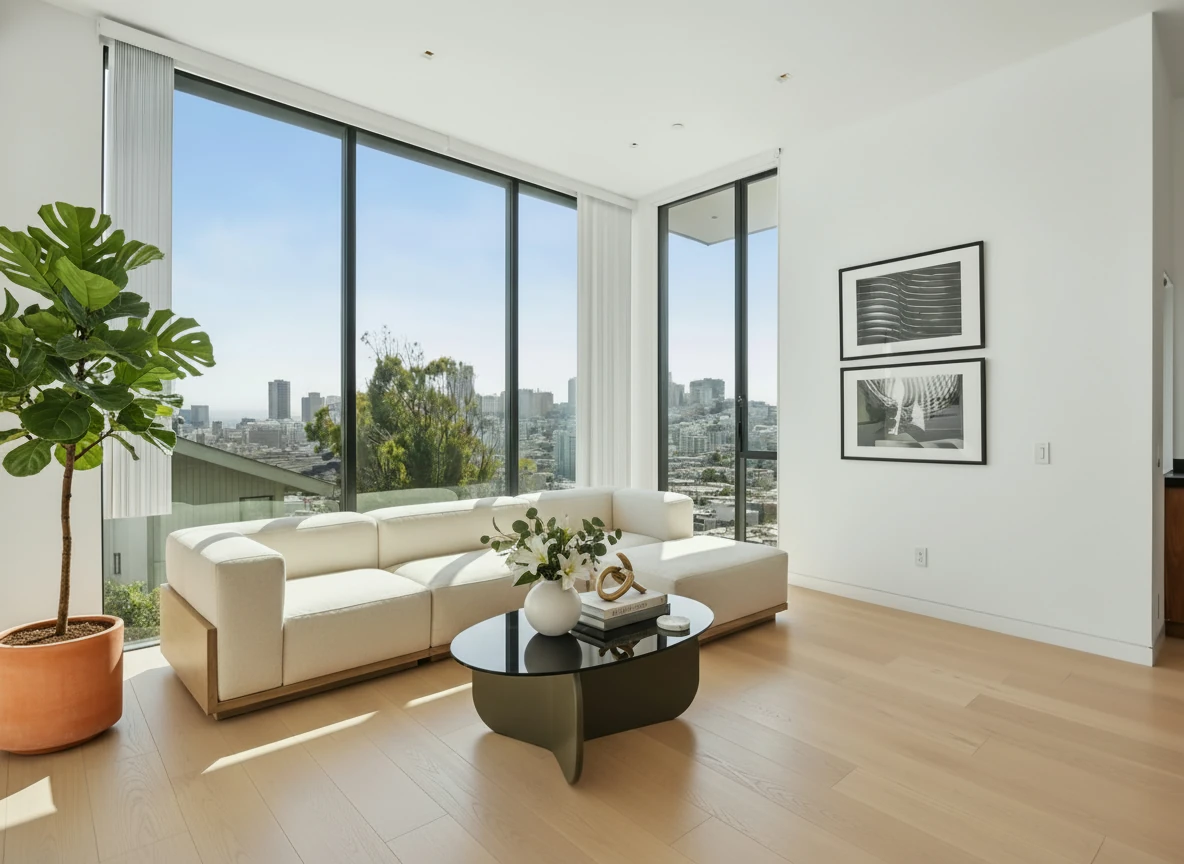
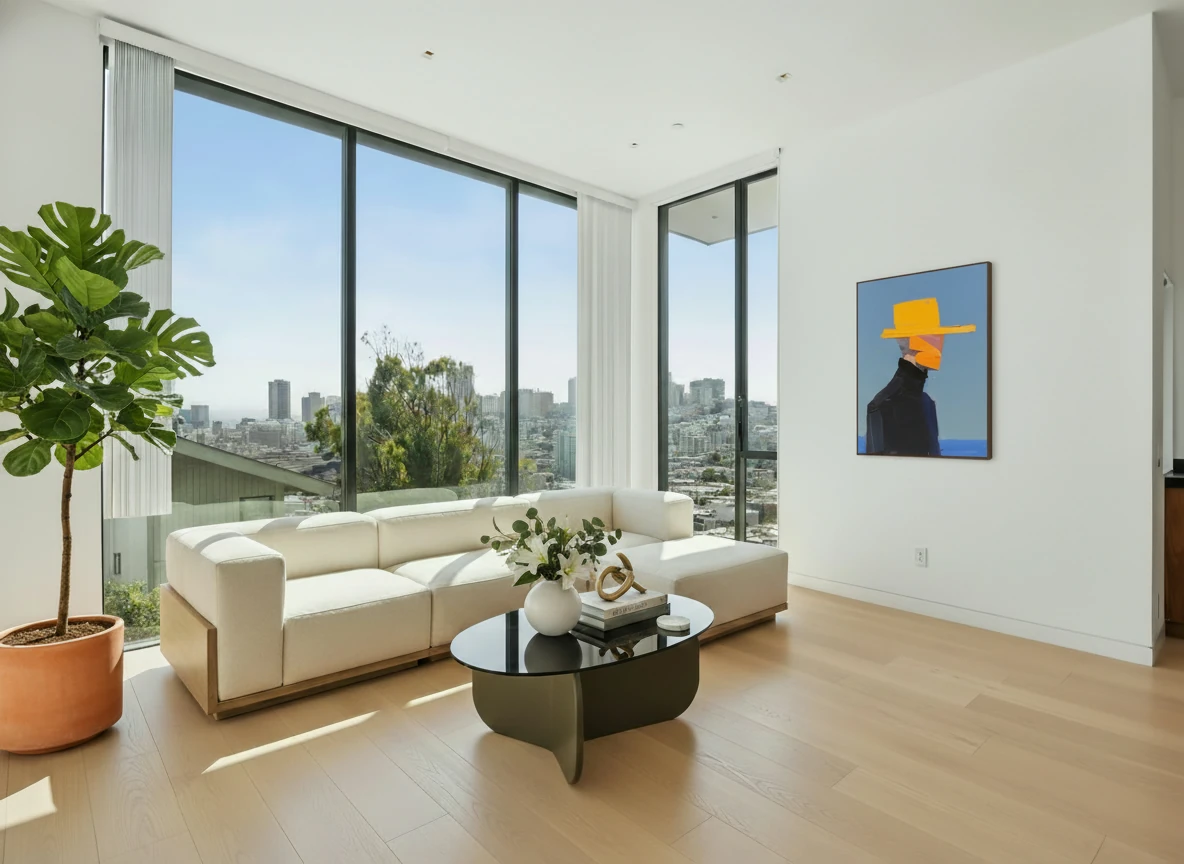
Replace the two artworks on the wall from image 1 with the painting from image 2
Quick Comparison Table
| Tool | Best for | Key strengths | Main limitations for staging |
|---|---|---|---|
| ChatGPT | Photo enhancement | Easy access, natural-language prompts, easy to iterate | Single general model, can change room structure, harder to get MLS-safe consistency |
| Nano Banana | Prompt-driven experiments and high-quality interiors | Strong image quality, flexible use cases | Requires good prompts, tricky to reuse prompts consistently, free images often watermarked |
| Stager Go | Practical, MLS-ready virtual staging for real listings | Staging templates, mode-specific models, minimal learning curve, free credits, realistic outputs | Less suited for wild experimental imagery; works best with real listing photos |
| Banana Designer | Creative campaigns, mood boards, social content | Many models, great for design exploration | Lacks staging-specific templates, more manual work to get listing-ready results |
Which Free Virtual Staging App Should You Start With?
If your goal is to sell or rent a real property, the safest place to start is usually:
- Use Stager Go for actual listing photos (thanks to templates, free credits, and staging-focused models).
- Use ChatGPT, Nano Banana, or Banana Designer as supporting tools for ideas, concepts, and creative marketing visuals.
If you want to stick to one tool, Stager Go also provides the same customisation like Banana Designer, where you can select models and upload multiple images as references using the prompt composer.
A simple way to test this in practice:
- Pick one empty or under-furnished room from your current listing.
- Run it through Stager Go’s virtual staging mode using free credits.
- Optionally, generate a few concept variations in ChatGPT, Nano Banana, or Banana Designer for comparison.
- Ask yourself: Which images look ready for the MLS today, and which are better as inspiration or social content?
That single experiment will usually make the right tool choice obvious for your workflow.
Next Steps
If you’re ready to try virtual staging without paying upfront:
- Gather 3–5 empty or lightly furnished listing photos.
- Start with the Template Composer on Stager Go (located on the right of the article) so you don’t have to write complex prompts.
- Use free credits to generate your first set of staged photos.
From there, you can decide whether to:
- Roll virtual staging out to more rooms and listings.
- Bring in other AI image tools for creative campaigns and experimentation.
- Gradually shift some of your budget from traditional staging towards a mix of virtual staging + targeted in-person staging where it matters most.
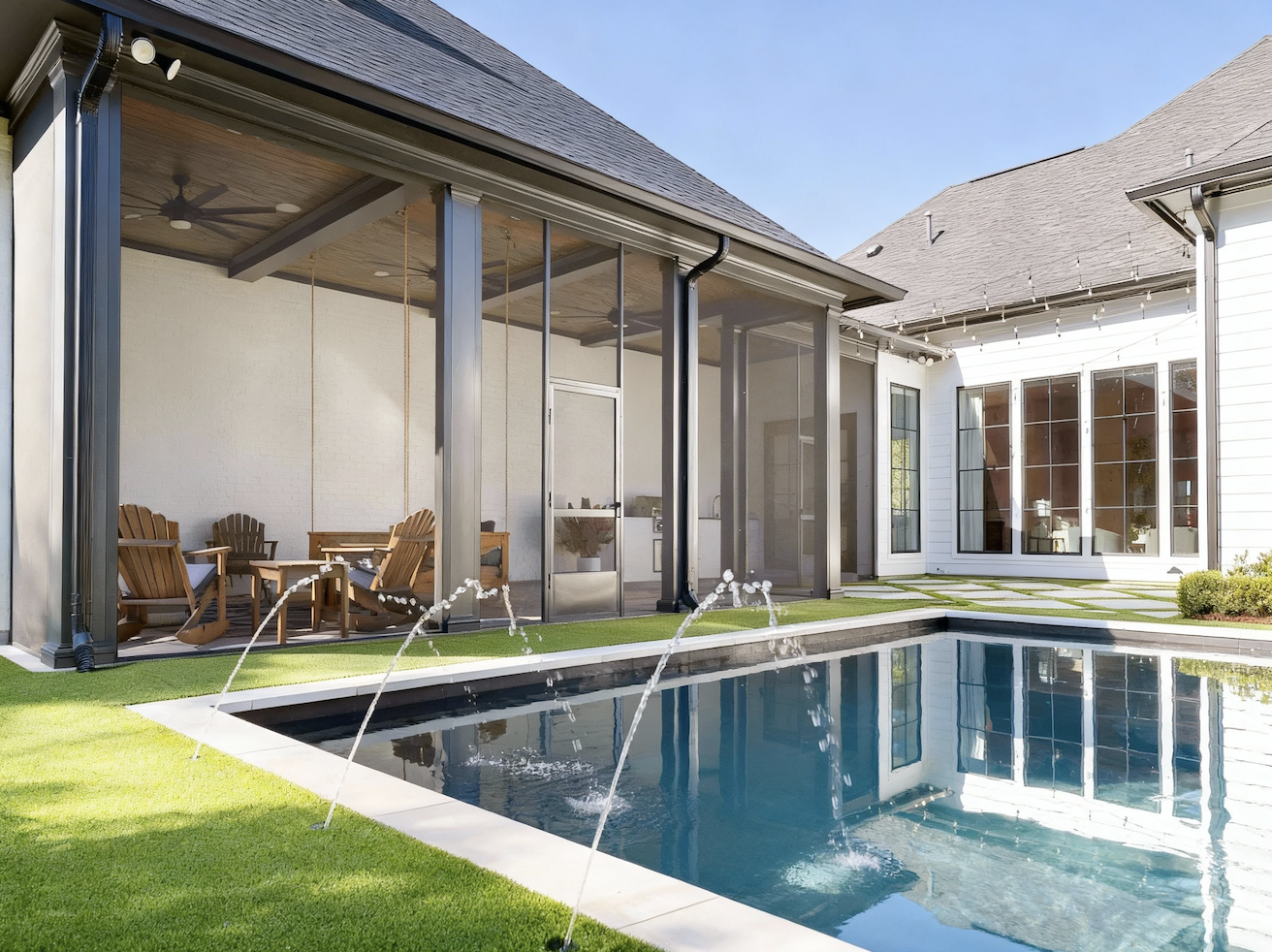
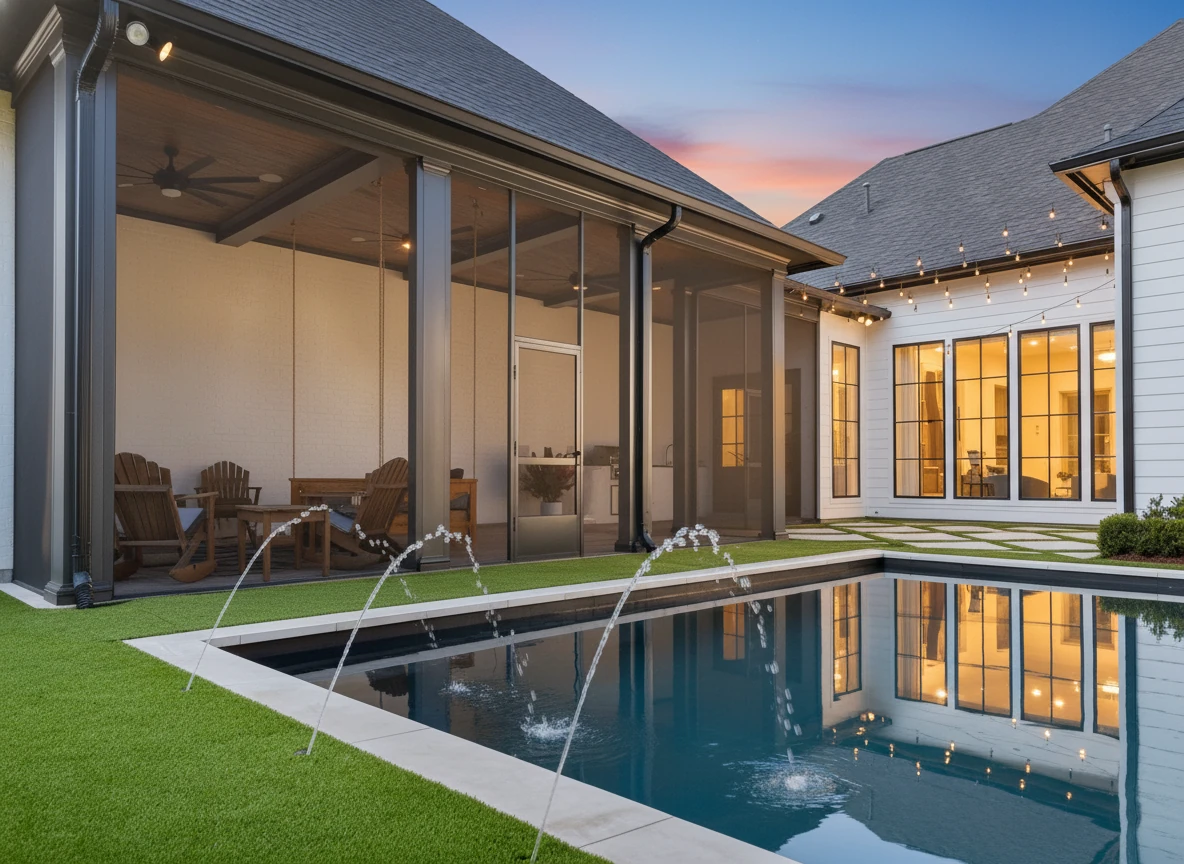
Day to Dusk • Pool Area
Summary: How to Use Free Virtual Staging Apps Wisely
Free or low-friction tools are a great way to test virtual staging, but they’re not all designed for the same job:
- ChatGPT is strongest as a photo enhancement and inspiration tool, not as your primary MLS staging engine.
- Nano Banana (and Nano Banana Pro) give you powerful prompt-based editing, but require effort, prompt skill, and you’ll often see watermarks in free usage.
- Stager Go is built specifically for real estate virtual staging, combining templates, mode-specific models, and free credits so you can generate MLS-ready images without learning complex prompts.
- Banana Designer is ideal for creative campaigns and design exploration, and pairs well with a staging-first tool.
The most reliable approach is to use Stager Go for your actual listing photos, while keeping the other tools in your toolkit for experimentation, social content, and ideas.
FAQ
Is virtual staging really free?
Partly. Most "free" virtual staging comes as limited free credits or a free tier rather than unlimited free use. Stager Go gives you free credits to generate real, non-watermarked staged photos before you pay, while many other tools only offer free previews that add watermarks or lock the export.
What is the best free virtual staging app?
For real estate listings, Stager Go is the most practical free option because it's purpose-built for virtual staging: you upload a photo, pick a room type and style, and get MLS-ready results in under two minutes using free credits. General tools like ChatGPT and Nano Banana are better as free helpers for inspiration and photo enhancement than as your main staging engine.
Do free virtual staging tools put a watermark on images?
Many do. Free tiers of general AI image tools often add watermarks or reduce resolution on downloads, which makes the output unusable for a real listing. Stager Go's free credits produce clean, non-watermarked images you can actually publish.
Can I use free virtually staged photos on the MLS?
Yes, as long as the tool preserves the room's real structure (walls, windows, flooring) and you clearly disclose that the photos are virtually staged. Always check your local MLS rules, since some require specific labeling on staged images.
How fast can I get a free virtually staged photo?
With a dedicated tool like Stager Go, a single room takes roughly 30 seconds to two minutes. Prompt-based tools can be slower because you have to write and refine the prompt yourself to get a usable, MLS-safe result.
Related Articles and Resources
If you want to go deeper into virtual staging workflows and comparisons:
- Virtual Home Staging Complete Guide – Cost, before-after examples, tools, and AI vs traditional
- Virtual Staging vs Local Home Staging Near Me – Head-to-head comparison of local staging vs virtual staging
- AI Virtual Staging Tutorial – Step-by-step tutorial for transforming empty rooms into staged photos
- AI Virtual Staging Guide on Stager Go – Detailed guide to using Stager Go’s template-based workspace